
Riven Systems
New updatesLatest release notes
← Products

Interface & HUD

RivenRealismHud

A Cleaner Way to Play.

A configurable FiveM HUD and chat system that keeps important server information clear, organized, and accessible.

Version 1.11.0

RivenRealismHud

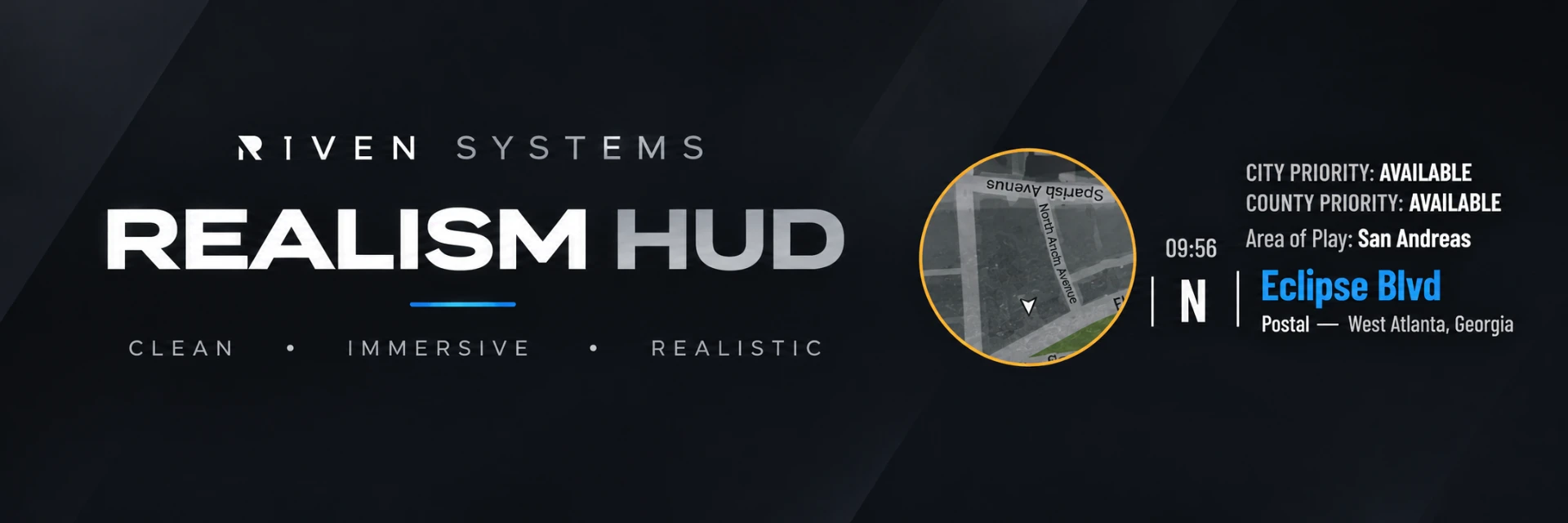
RivenRealismHud in-game

1 / 4

Overview

RivenRealismHud combines essential server information with a modern chat interface.

It is designed for communities that want a consistent interface without unnecessary screen clutter.

The resource prioritizes legibility, customization, and compatibility with standalone FiveM servers.

Best suited for: vMenu-based roleplay communities and standalone FiveM servers.

Feature Areas

  • Area of Play (AOP) display
  • City and County Priority display
  • Dynamic location information
  • Player identification
  • Custom chat presentation
  • Chat fading and visibility behavior
  • Configurable interface positions
  • HUD visibility controls and keybinds
  • Supported role-based administrative controls
  • Vehicle-aware HUD behavior

Areas of development. Exact included features are confirmed in each release's documentation.

Verified Features

Area-of-play & priority display
On-screen area-of-play and priority information.
Location information
Location details with optional postal display.
Configurable player interface
Player HUD options adjustable in config.lua.
Roleplay chat theme
Chat styling built on FiveM's stock chat resource.
Location presets
Selectable state and city labels, street mappings, AOP presets, and custom street and zone overrides.
Ultrawide minimap alignment
Automatic viewport correction for 21:9 and 32:9 displays, with configurable adjustments for custom radar assets. Final alignment requires in-game testing.
Individual HUD colors
Live-preview element colors using 24 swatches, a color picker, or HEX input, with per-player save, cancel, and reset controls.

Compatibility

  • — Standalone — no ESX or QBCore required
  • — No required dependencies; FiveM's stock chat resource is needed for chat cards and theming
  • — OneSync is optional; nearby chat uses client-side distance checks when unavailable
  • — Separate from Riven Vehicle HUD — no duplicate speedometer or fuel gauge
  • — Avoid running another chat theme alongside it

Installation guides are available in the documentation.

Changelog

Released
v1.11.0

Peacetime Line on the HUD

Feature / ConfigurationNew features
  • Added a Peacetime ON / OFF line beneath City and County Priority that updates with /pt.
  • Added separate peacetime label, on, and off colors in /rivenhud → HUD Colors.
  • Added an independent Peacetime switch in /rivenhud → Elements and a Config.Elements.Peacetime server default.
  • The AOP-strip peacetime pill only appears when the new line is hidden, avoiding duplicate indicators.
  • Existing player settings carry over; new settings start from server defaults.

Uploaded archive. RivenSystemsHud-V0.21.zip declares resource version 1.11.0 in fxmanifest.lua. In-game behavior has not been tested here.

v1.7.6

Postal Lookup Compatibility

Fix / CompatibilityBug fixes, Compatibility
  • Corrected cases where the postal label appeared without a corresponding postal number.
  • Expanded detection of renamed or forked postal resources that are already running.
  • Added support for additional postal exports, including getNearest and GetNearest.
  • Added fallback support for common postal JSON filenames and data layouts while preferring the active server postal resource.
v1.7.5

Postal Display Improvements

Fix / CompatibilityBug fixes, Compatibility
  • Postal information is enabled by default when the location HUD is visible.
  • Improved behavior while the configured postal resource loads.
  • Expanded support for common postal resource names, return values, and map-file metadata.
v1.7.4

Location Options

Feature / ConfigurationNew features
  • Added an optional Atlanta street-name setting, disabled by default.
  • Applied that setting to HUD location information and /911 / /311 location text.
  • Added postal information to the HUD location line and a corresponding display toggle.

Download

Free download. Sign in and save your Discord ID and name first. No purchase, approval, or license key is required.

Use is subject to the License Agreement. Need help? Visit Support.

Download free